
In the digital landscape, having a stunning website is just the beginning. Without proper optimization, even the best content may go unnoticed. This is where an on page SEO guide becomes essential.
On-page SEO ensures that search engines understand your website’s content and rank it effectively. Whether you’re a beginner or an experienced digital marketer, mastering on-page SEO is crucial to boost traffic, improve engagement, and elevate your online presence.
In this guide, we will explore every aspect of on-page SEO—from technical foundations to content strategies—so you can optimize your website like a pro and achieve higher rankings in Google search results.
What is On-Page SEO?
On-page SEO refers to all the optimization efforts you make directly on your website to improve its search engine ranking. Unlike off-page SEO, which deals with external factors like backlinks, on-page SEO focuses on elements within your control, including content, HTML source code, and site structure.
Key Elements of On-Page SEO:
- Content optimization
- Meta tags (title, description)
- URL structure
- Internal linking
- Image optimization
- Page speed and performance
- Mobile-friendliness
- User experience (UX)
Think of on-page SEO as tuning your website’s engine. Proper tuning ensures it runs smoothly and efficiently, making it easier for Google to crawl, index, and rank your pages.
Why On-Page SEO is Crucial
Ignoring on-page SEO can significantly limit your website’s visibility. Even with high-quality backlinks, your site may struggle if your pages are not properly optimized.
Here are the main benefits of focusing on on-page SEO:
- Improved Search Engine Rankings: Optimized pages are more likely to rank higher in search results.
- Enhanced User Experience: Clear, structured, and readable content keeps visitors engaged.
- Higher Click-Through Rates (CTR): Well-crafted meta titles and descriptions attract more clicks from SERPs.
- Better Crawlability: Search engines can easily understand and index your pages.
- Increased Conversions: Optimized content guides visitors toward desired actions.
On-Page SEO Factors
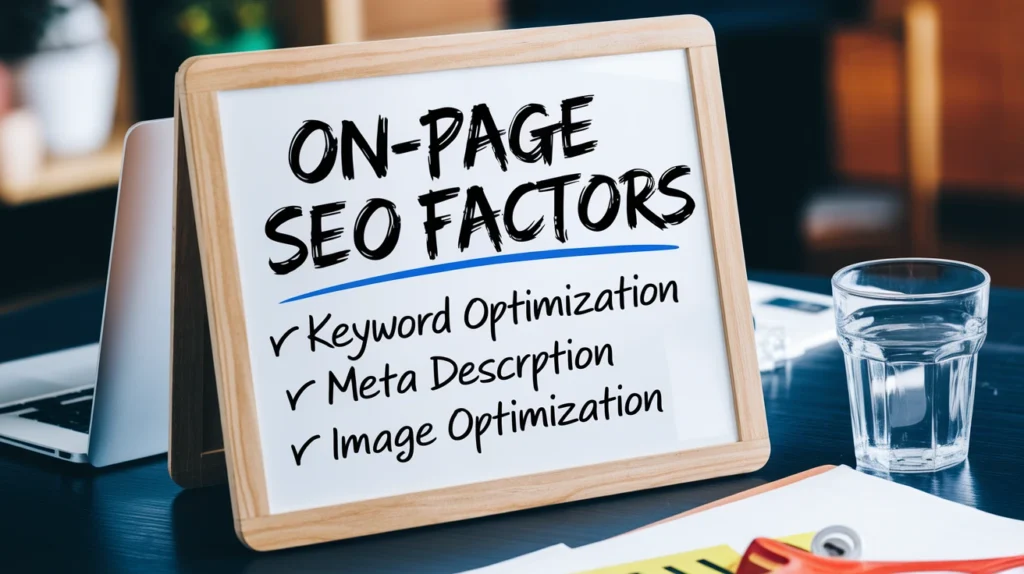
To fully master on-page SEO, it’s essential to understand each factor that impacts rankings. Let’s dive deeper into the most important on-page SEO elements.
Keyword Research and Placement
Keywords are the foundation of on-page SEO. Targeting the right keywords ensures your content reaches the right audience.
Steps to Optimize Keywords:
- Identify primary keywords: Use tools like Google Keyword Planner, Ahrefs, or SEMrush.
- Focus on search intent: Ensure your content matches what users are looking for.
- Use long-tail keywords: They often have lower competition and higher conversion potential.
Best Practices for Keyword Placement:
LocationRecommendationTitle TagInclude primary keyword near the beginningMeta DescriptionNaturally include keyword and CTAURLKeep it short, descriptive, and keyword-richHeader Tags (H1, H2, H3)Include keywords in H1/H2 headings where relevantBody ContentUse keywords naturally; avoid stuffingImage Alt TextDescribe images using keywords
Pro Tip: Avoid overstuffing keywords. Focus on creating natural, readable content.
Meta Tags Optimization
Meta tags are HTML elements that provide information about your web pages to search engines. Optimizing them improves CTR and relevance.
Title Tag:
- Limit to 50–60 characters
- Include primary keyword
- Make it engaging and clickable
Meta Description:
- 150–160 characters
- Summarize the content effectively
- Include a call-to-action (CTA)
Example: Title: On Page SEO Guide: Boost Your Google Rankings in 2025 Meta Description: Learn the ultimate on-page SEO guide to improve your website’s ranking, traffic, and user engagement. Start optimizing today!
URL Structure
A clean, descriptive URL improves SEO and user experience.
Best Practices:
- Use keywords in the URL
- Keep it short and readable
- Avoid special characters and unnecessary numbers
- Use hyphens to separate words
Example: Good URL: www.example.com/on-page-seo-guide Bad URL: www.example.com/page?id=12345
Header Tags (H1, H2, H3…)
Proper use of headers organizes content, making it easier for users and search engines to understand your page.
- H1: Only one per page; includes primary keyword
- H2: Main sections or subtopics
- H3: Subsections under H2 headings
- H4+: Optional, for additional details
Tip: Use header tags naturally and ensure they align with the flow of your content.
High-Quality Content
Content is king in SEO. Google prioritizes content that provides real value to users.
Content Optimization Tips:
- Write in-depth articles (1,500+ words recommended for competitive topics)
- Use LSI (Latent Semantic Indexing) keywords to support the main topic
- Include visuals like images, infographics, and videos
- Maintain readability with short paragraphs and bullet points
Pro Tip: Use tools like Hemingway or Grammarly to improve readability.
Internal Linking
Internal linking connects your web pages and distributes link equity throughout your site.
Benefits:
- Helps search engines crawl your site more effectively
- Boosts page authority
- Encourages users to explore related content
Example: In an article about “SEO Basics,” link to related posts like “Off-Page SEO Techniques” or “SEO Tools for Beginners.”
Image Optimization
Images enhance user experience but can slow down page speed if not optimized.
Best Practices:
- Use descriptive file names and alt text
- Compress images without losing quality
- Use responsive images for mobile devices
- Implement lazy loading for faster page speed
Mobile-Friendliness
With mobile-first indexing, Google prioritizes mobile-friendly websites.
Tips for Mobile Optimization:
- Use responsive design
- Ensure text is readable without zooming
- Optimize buttons and navigation for touch screens
- Test pages on Google’s Mobile-Friendly Test
Page Speed Optimization
Slow websites lead to high bounce rates. Page speed is a ranking factor in Google’s algorithm.
Ways to Improve Speed:
- Enable browser caching
- Minify CSS, JavaScript, and HTML
- Use a content delivery network (CDN)
- Optimize images and videos
User Experience (UX) & Engagement
A positive UX keeps visitors on your site longer and signals value to search engines.
Key Elements:
- Easy navigation and menu structure
- Clear CTAs
- Readable typography
- Minimal pop-ups and distractions
Engagement Metrics to Monitor:
- Bounce rate
- Average session duration
- Pages per session
Schema Markup
Schema markup is a type of structured data that helps search engines understand your content better.
Benefits:
- Enhanced search listings with rich snippets
- Improved CTR
- Potential eligibility for featured snippets
Common Types:
- Articles
- Products
- FAQs
- Reviews
Content Freshness
Regularly updating your content signals relevance to search engines.
Tips:
- Update statistics, examples, and trends
- Revise old titles and meta descriptions
- Republish high-performing pages with new content
On Page SEO vs Off Page SEO
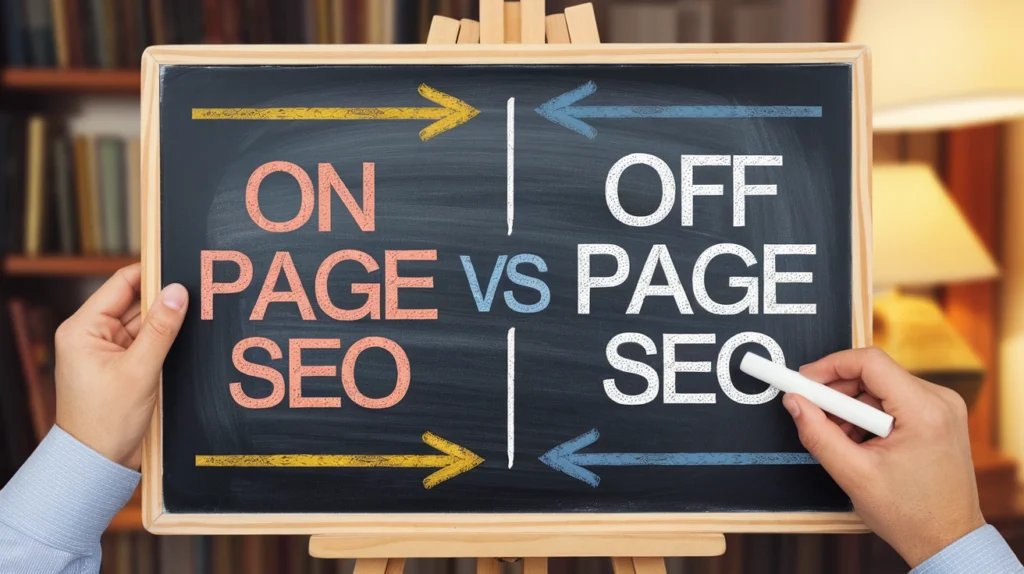
While on-page SEO focuses on elements within your website, off-page SEO involves external strategies like backlinks, social shares, and brand mentions. Both are essential for comprehensive SEO success.
FactorOn-Page SEOOff-Page SEOControlFull controlLimited controlFocusContent, HTML, UXBacklinks, social signalsGoalImprove relevance & rankingsImprove authority & trustExamplesMeta tags, keywords, headersLink building, influencer marketing
Common On-Page SEO Mistakes to Avoid
Even experienced marketers make mistakes. Avoid these to ensure your on-page SEO is effective:
- Keyword stuffing
- Duplicate content
- Missing meta tags
- Slow page speed
- Poor mobile optimization
- Ignoring internal linking
- Weak or irrelevant content
On-Page SEO Checklist
Here’s a quick actionable checklist for your next optimization:
- Conduct keyword research
- Optimize title tag & meta description
- Create SEO-friendly URL
- Use proper header tags
- Write high-quality content
- Optimize images & videos
- Add internal and external links
- Ensure mobile-friendliness
- Improve page speed
- Implement schema markup
- Update content regularly
FAQs
How long does it take to see results from on-page SEO? Typically, it takes 3–6 months to notice significant improvements in rankings, depending on competition and content quality.
Is keyword density important for on-page SEO? Not as much as before. Focus on natural usage and semantic relevance rather than exact repetition.
Can I do on-page SEO without a website? No, on-page SEO requires a website or web pages to optimize directly.
How often should I update my on-page SEO? Regularly review every 3–6 months to adjust for trends, new keywords, and content improvements.
What is the difference between meta description and meta keywords? Meta description summarizes your page for SERPs, while meta keywords are largely ignored by Google today.
Conclusion
Mastering on-page SEO is essential for achieving higher search engine rankings, improving user experience, and driving more organic traffic. By focusing on content quality, keyword optimization, technical elements, and user engagement, you can make your website both search-engine-friendly and user-friendly.
Use this on page SEO guide as a blueprint to systematically optimize your website. Consistency, regular updates, and attention to detail are key to long-term SEO success. Remember, the best on-page SEO strategy not only satisfies search engines but also provides real value to your audience—turning visitors into loyal customers and advocates for your brand.
Internal Linking Suggestions:
- Link to articles on “Off-Page SEO Techniques”
- Link to “SEO Tools for Beginners”
- Link to “How to Improve Website Page Speed”

